
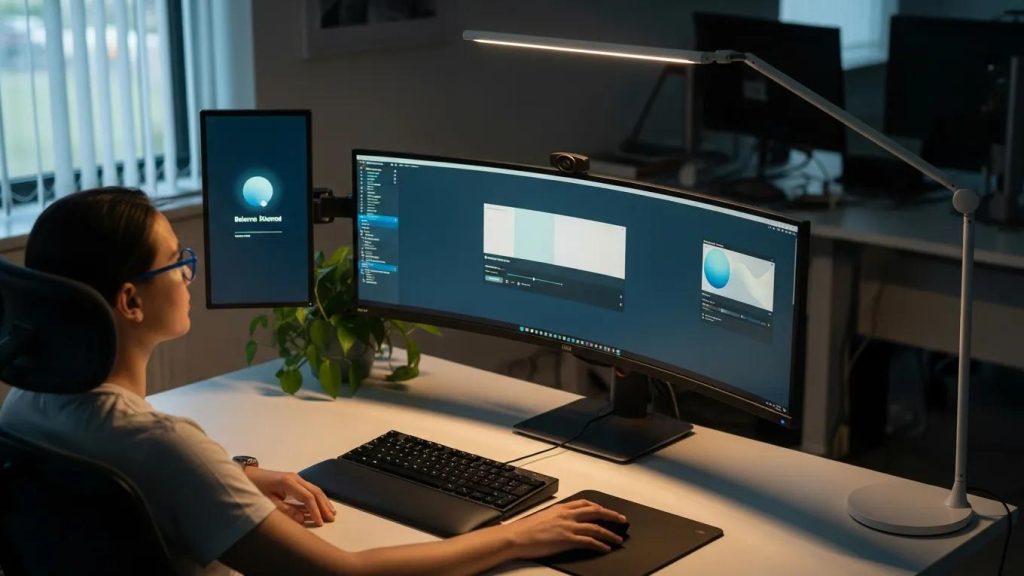
Optimizing Ergonomics for Computer Vision Syndrome
Extended screen use contributes to Computer Vision Syndrome (CVS) — eye strain, dry eyes, blurred vision and discomfort. Optimising workspace ergonomics and simple daily habits can reduce symptoms. This article summarises practical strategies, concise workstation setup guidance, and ergonomic tools and exercises to lessen CVS while maintaining productivity.
Research further details the prevalence and characteristic symptoms of Computer Vision Syndrome.
Understanding CVS: Symptoms, Causes & Comfort
Computer vision syndrome (CVS) comprises eye and vision problems related to computer use. CVS can affect visual comfort and occupational productivity: studies report that between 64% and 90% of computer users experience visual symptoms, including eyestrain, headaches, ocular discomfort, dry eye, diplopia and blurred vision at near or at distance after prolonged use. Dry eye symptoms are more prevalent during computer operation, likely due to a decreased blink rate and reduced blink amplitude, and increased corneal exposure when monitors are positioned in primary gaze. Improved knowledge of the underlying physiology of CVS is necessary for accurate diagnosis and effective treatment. Such understanding enables clinicians to optimise visual comfort and efficiency during computer operation.
Computer vision syndrome: a review of ocular causes and potential treatments, 2011
Effective Strategies for Relieving Eye Strain:
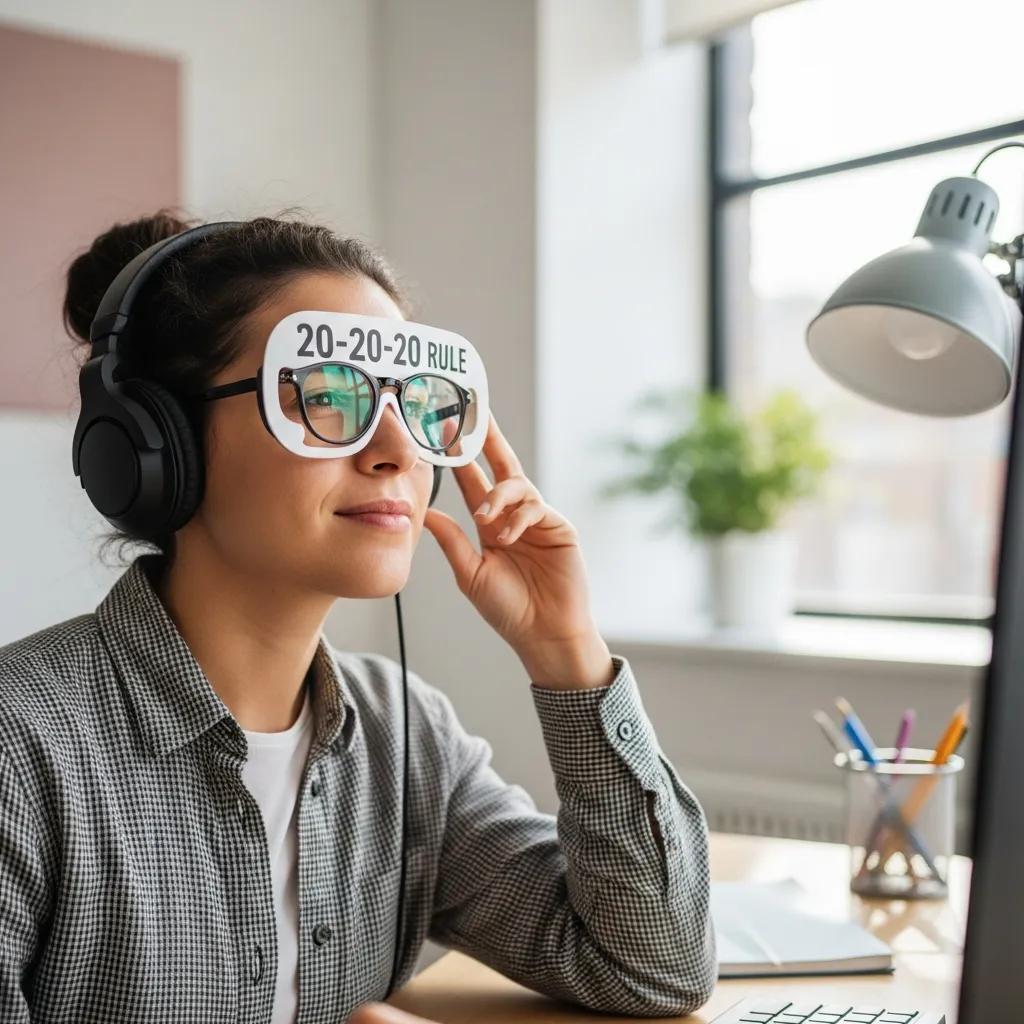
Short, repeatable habits are most effective for reducing visual fatigue during long screen sessions.
- 20-20-20 Rule: Every 20 minutes, look 20 seconds at something about 20 feet away to relax accommodation.
- Blinking: Blink intentionally and fully to refresh the tear film and limit dryness.
- Hydration: Regular fluid intake supports tear production and ocular comfort.
Use these habits together for steady symptom relief during the workday.
Best Practices for Workstation Setup:
A compact, ergonomic workstation reduces both visual and musculoskeletal strain. Key adjustments are simple and high-impact.
- Screen Positioning: Place the monitor about an arm’s length away with the top at or slightly below eye level.
- Chair and Foot Support: Choose a chair with lumbar support and keep feet supported to maintain neutral posture.
- Lighting: Use even, adjustable lighting and reduce reflections on the display.
Small, consistent adjustments to posture and screen placement lower the risk of CVS.
Eyes On Park is an eye care provider in Gramercy Park, New York City, offering diagnosis and management for conditions related to prolonged computer use. If you have persistent symptoms, schedule an evaluation to review options.
Recommendations for Ergonomic Tools and Exercises:

Combining ergonomic tools with brief exercises improves comfort and reduces cumulative strain.
- Adjustable Monitors: Use stands or arms to set comfortable height and distance.
- Anti-Reflective Coatings: Anti-glare screens or lens coatings reduce reflected light and improve clarity.
- Eye Exercises: Periodically focus on distant objects and perform gentle eye movements to ease accommodation.
These measures are practical additions to a healthy daily routine.
What Are the Symptoms and Diagnosis Criteria of Computer Vision Syndrome?
CVS commonly causes dry eyes, blurred vision, eye fatigue, headaches and neck or shoulder discomfort. Diagnosis requires a clinical eye exam assessing vision, refraction and ocular surface health.
How Does Prolonged Screen Time Contribute to Eye Strain and CVS?
Main mechanisms include:
- Sustained accommodation: Continuous near focus tires the focusing muscles.
- Reduced blinking: Lower blink rate increases tear evaporation.
- Glare and contrast: Poor lighting and high screen brightness worsen visual effort.
Which Professional Eye Exams Diagnose Computer Vision Syndrome?
Typical assessments include:
- Visual acuity: Clarity of vision at distance and near.
- Refraction: Identification of refractive error and prescription needs.
- Ocular surface evaluation: Assessment for dry eye and tear-film stability.
How Can Ergonomic Desk Setup Reduce Symptoms of Computer Vision Syndrome?
Ergonomic desks encourage neutral posture and reduce both visual and neck/shoulder strain. Key elements are correct screen height, supportive seating and glare control.
What Are the Recommended Monitor Positions and Workspace Arrangements?
- Monitor distance: About an arm’s length away.
- Monitor height: Top of screen at or slightly below eye level.
- Seating: Chair supports torso alignment so head and neck remain neutral.
How Does Proper Workspace Lighting Support Eye Health?
- Reduce glare: Place lights to avoid reflections on the screen.
- Balance brightness: Match display luminance to ambient light to minimize contrast strain.
- Soft ambient light: Helps maintain comfortable overall illumination for extended work.
What Are the Benefits of Blue Light Filter Glasses for Digital Eye Fatigue?
- Reduce perceived glare: Filter short-wavelength light that may add glare.
- Improve comfort: Some users report less subjective eye fatigue.
- Evening use: May help limit evening exposure that can affect sleep timing.
How Do Blue Light Glasses Reduce Computer Vision Syndrome Symptoms?
- Lower glare and improve contrast perception.
- Reduce accommodative demand indirectly by increasing comfort.
- Support tear-film stability via reduced ocular discomfort for some users.
Which Prescription and Non-Prescription Eyewear Options Are Available?
- Prescription glasses: Correct refractive errors and optimise near vision.
- Non-prescription blue-light filters: Provide optional glare reduction without a prescription.
- Professional advice: Consult an eye-care professional to choose the best option.
Which Eye Strain Relief Techniques and Exercises Help Prevent Digital Eye Fatigue?
- 20-20-20 breaks: Regular short breaks to relax accommodation.
- Blinking: Intentional full blinks to refresh the tear film.
- Focus shifting: Alternate focus between near and distant targets.
What Are Effective Eye Exercises for Reducing CVS Symptoms?
- Eye rolling: Slow circular movements to ease periocular tension.
- Hydration: Maintain fluid intake to support tear production.
- Scheduled breaks: Regular interruptions of screen time for recovery.
How Can Regular Breaks and Workspace Adjustments Complement Eye Care?
- Short frequent breaks relieve immediate accommodative strain.
- Longer periodic breaks allow visual and systemic recovery during the day.
- Ongoing adjustments keep the workspace aligned with changing needs.
Frequently Asked Questions
What lifestyle changes can help prevent Computer Vision Syndrome?
Regular physical activity, a balanced diet rich in nutrients that support eye health, limiting non-essential screen time and sufficient sleep all reduce overall visual and musculoskeletal strain.
How often should I have my eyes examined if I work on a computer regularly?
Have a comprehensive eye exam at least annually, and sooner if you develop persistent symptoms such as chronic eye strain or blurred vision.
Are there specific ergonomic tools that can enhance my workspace?
Yes. Adjustable monitor stands, ergonomic chairs with lumbar support, anti-glare screen protectors and document holders all improve posture and reduce visual strain.
What role does hydration play in eye health?
Adequate hydration supports tear production and ocular surface integrity, helping to reduce dryness and discomfort during long periods at a screen.
Can stress contribute to symptoms of Computer Vision Syndrome?
Stress can increase neck and shoulder tension and reduce blink rate, which may worsen symptoms; stress-management practices can therefore help.
What are the long-term effects of untreated Computer Vision Syndrome?
Untreated CVS can cause chronic eye strain, recurrent headaches and persistent discomfort that impair quality of life and work performance; early assessment and correction reduce those risks.
Conclusion
Simple ergonomic adjustments, regular short breaks, deliberate blinking and appropriate eyewear or screen treatments can materially reduce symptoms of Computer Vision Syndrome. Apply these measures consistently and consult an eye-care professional for personalised assessment and management.